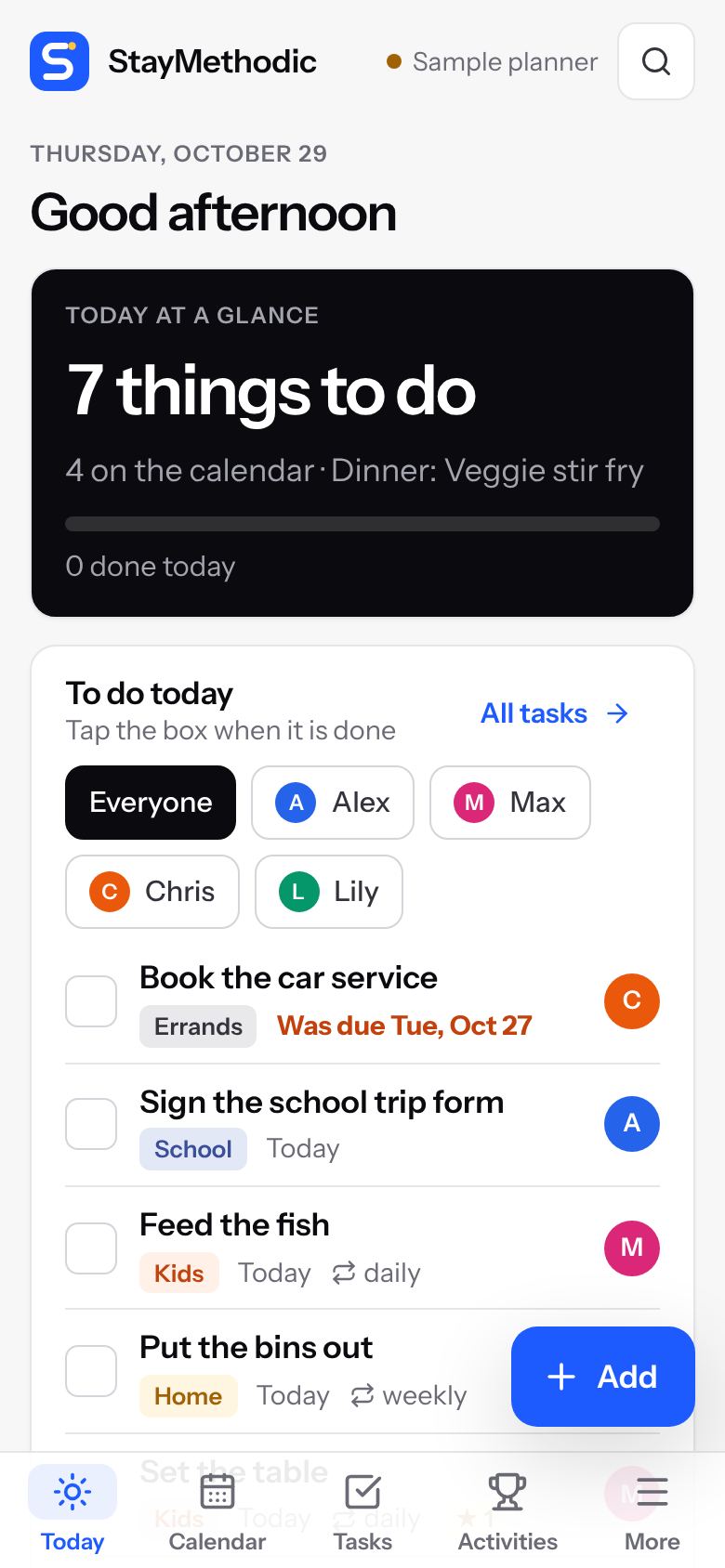
Calendar, chores, meals, money, kids' activities, work shifts and medicine, shared by everyone in the house. On every phone, tablet and computer.
The questions every family asks, answered in one place everyone can see.
Answer a few quick questions when you start, and StayMethodic shows only what your family needs. Switch sections on or off at any time.
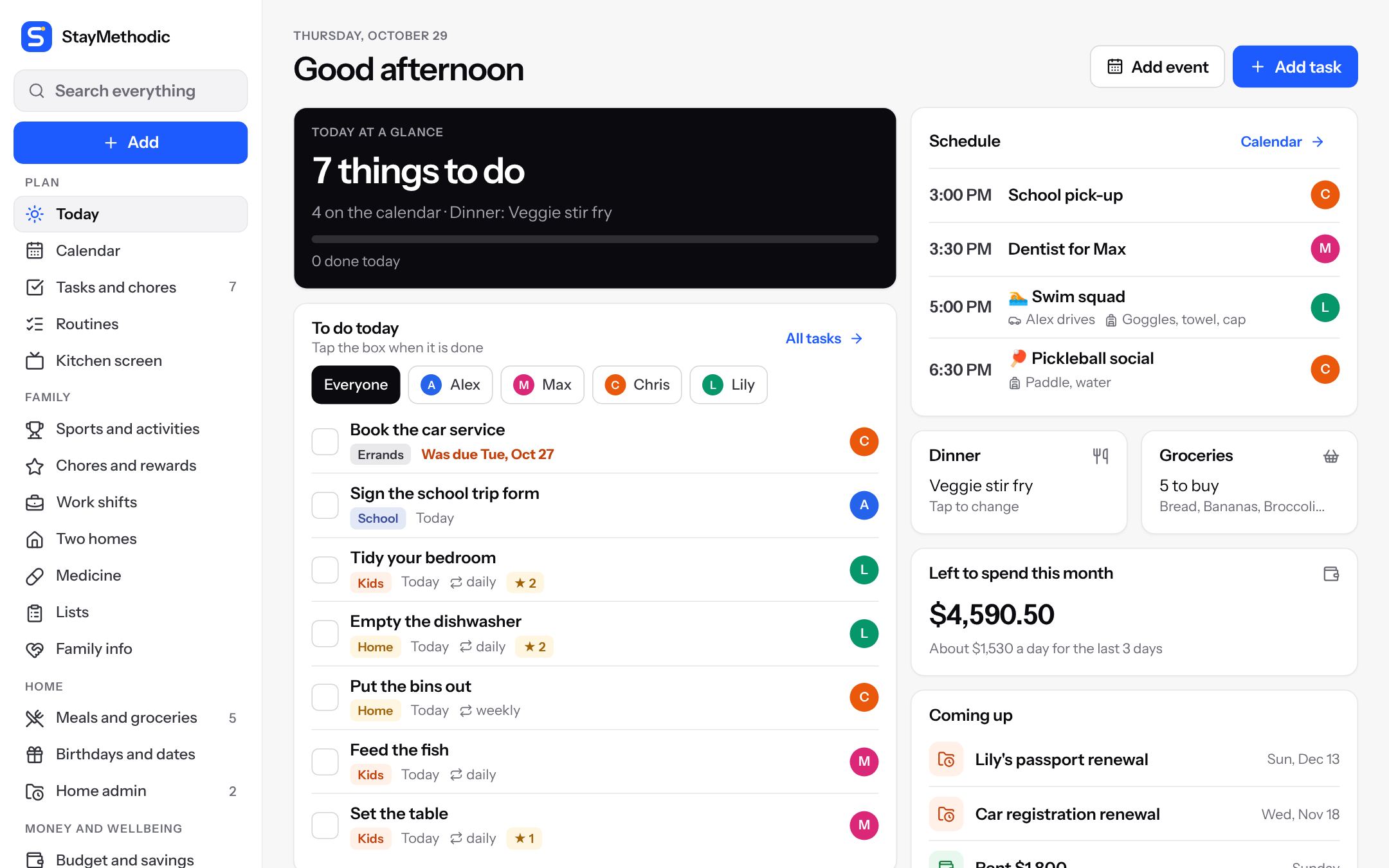
What is on, what needs doing, what is for dinner and what is left to spend.
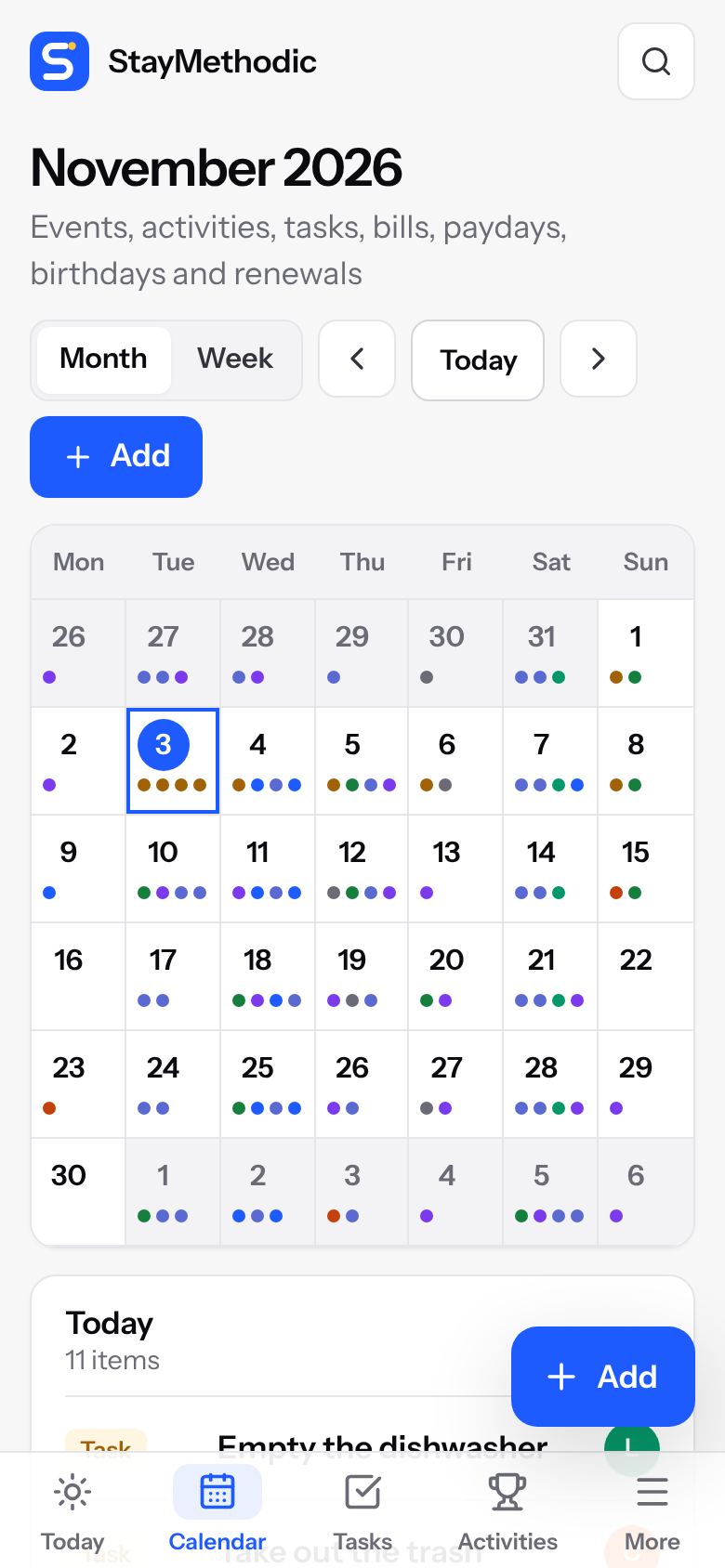
Events, activities, birthdays, bills, paydays and shifts appear on their own.
Paste the school or club calendar link once. Their dates show up next to yours.
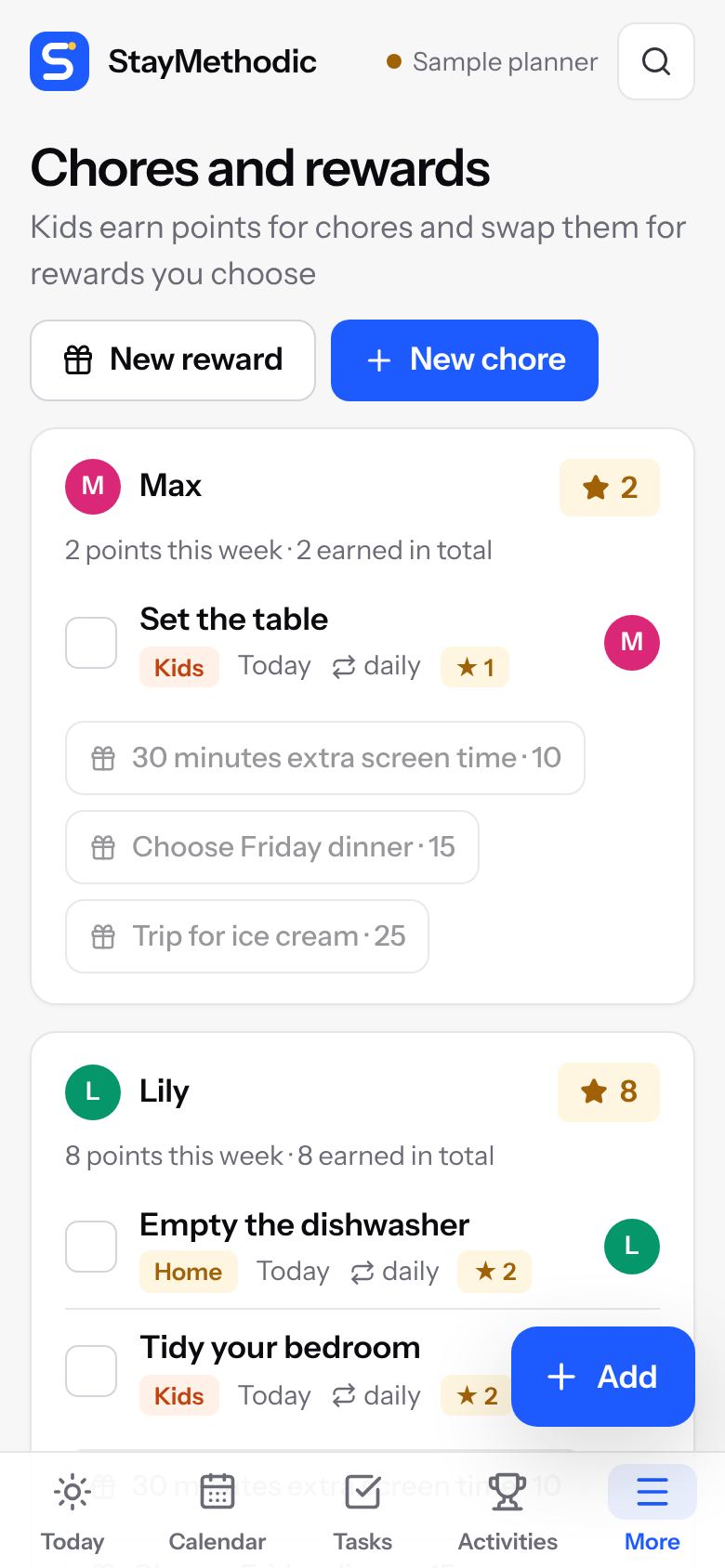
Kids earn points for chores and swap them for rewards you choose.
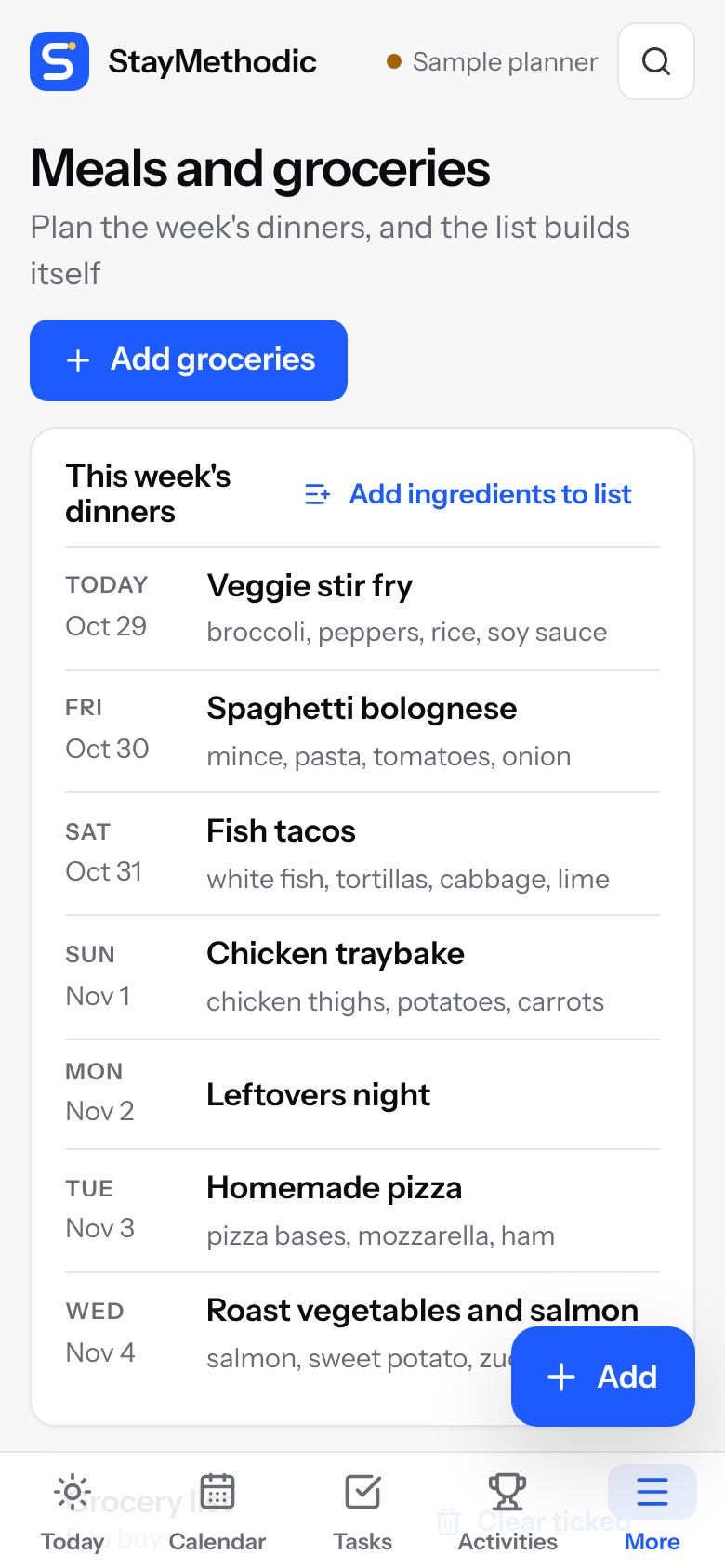
Plan the week's dinners. One tap adds the ingredients to your list.
Bills you tick off, what is left this month, and savings goals.
A nudge before appointments, medicine times and a short summary each morning.
Add it to Apple, Google or Outlook calendar with one tap.
Passports, licences, car registration and insurance, with reminders.
Morning and bedtime checklists, packing lists you can reuse.
Contacts, allergies and bedtimes on one page you can print or share.
Keep going offline. Everything saves when you are back online.
Switch on what fits your household. Everyone else never sees it.
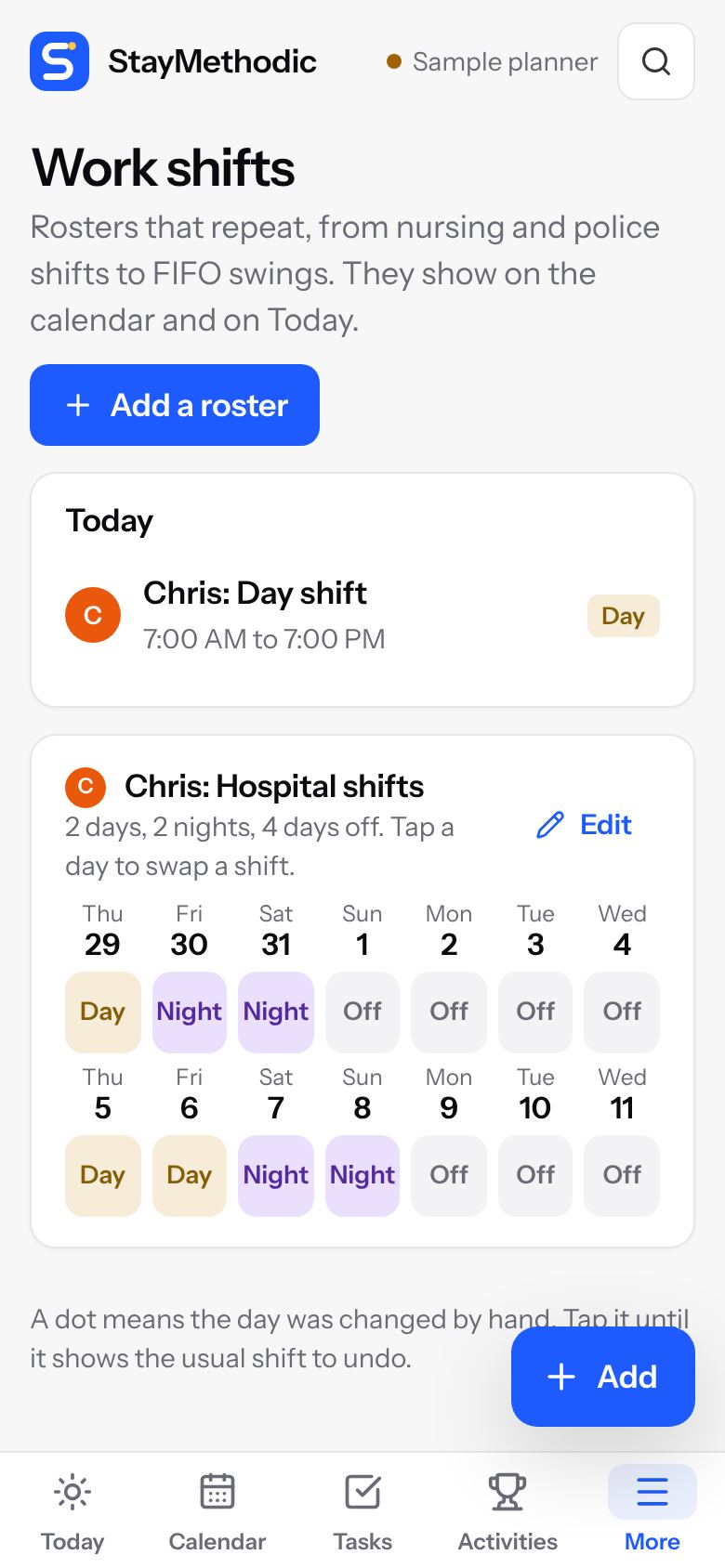
For nurses, police, hospitality and FIFO workers. Pick a pattern like 4 on, 4 off, and every shift goes on the family calendar. Swap a single day in one tap.
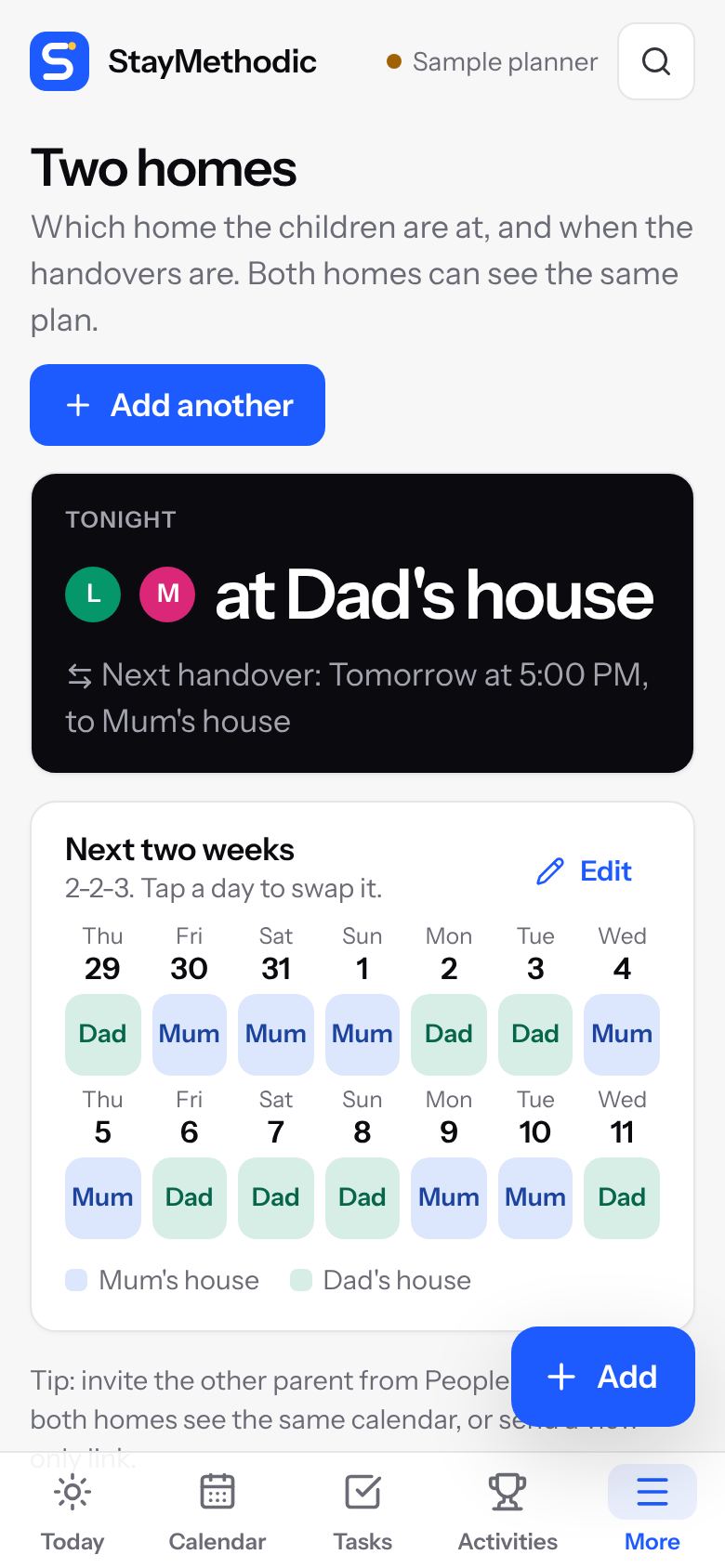
Week on, week off, 2-2-3 and other schedules. See where the children are tonight and when the next handover is. Both homes can see the same plan.
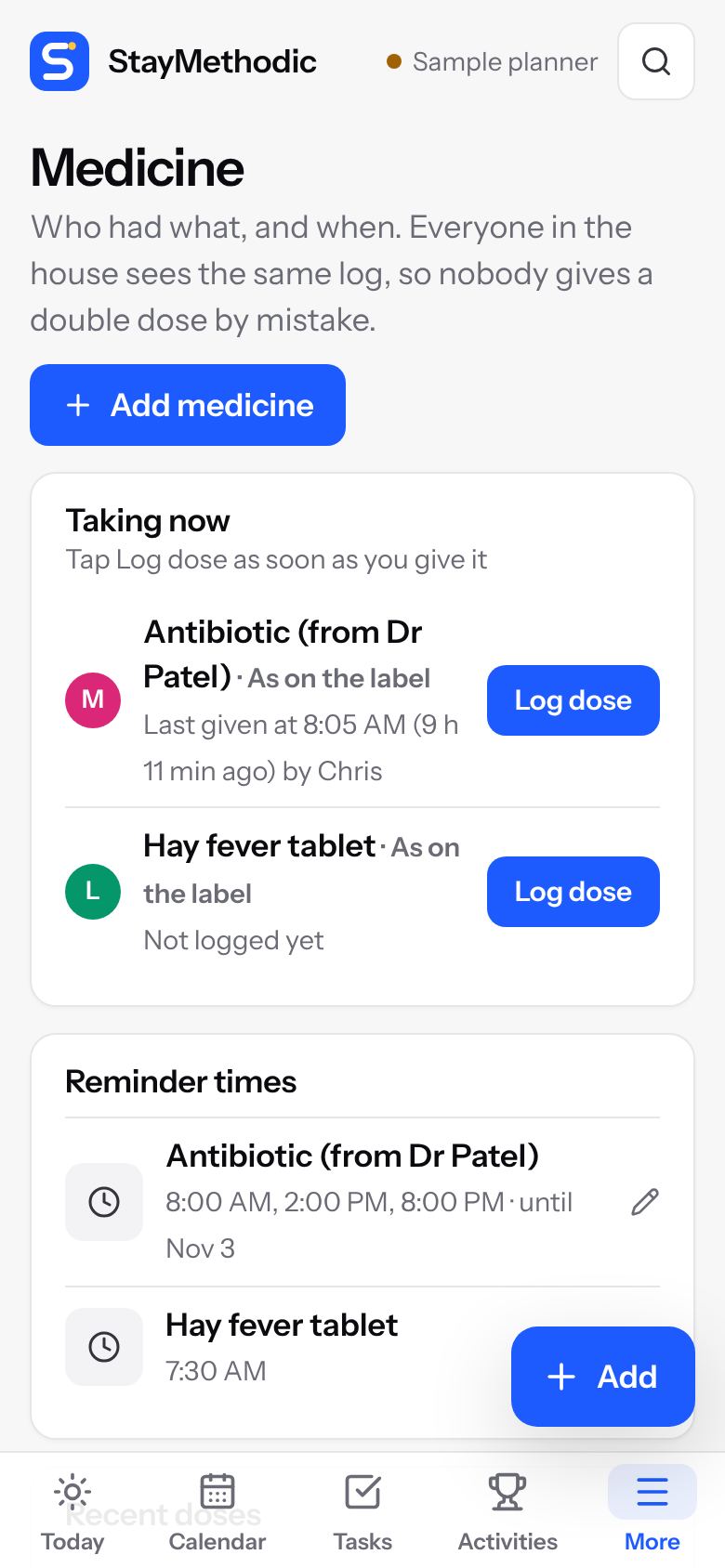
Tap when you give a dose. Everyone sees the time and who gave it, so nobody doubles up at 2am. Works for an older parent you care for too.
Big, clear and always on. Kids tick off their jobs, everyone sees today and what is coming up. No special screen to buy and no yearly fee.
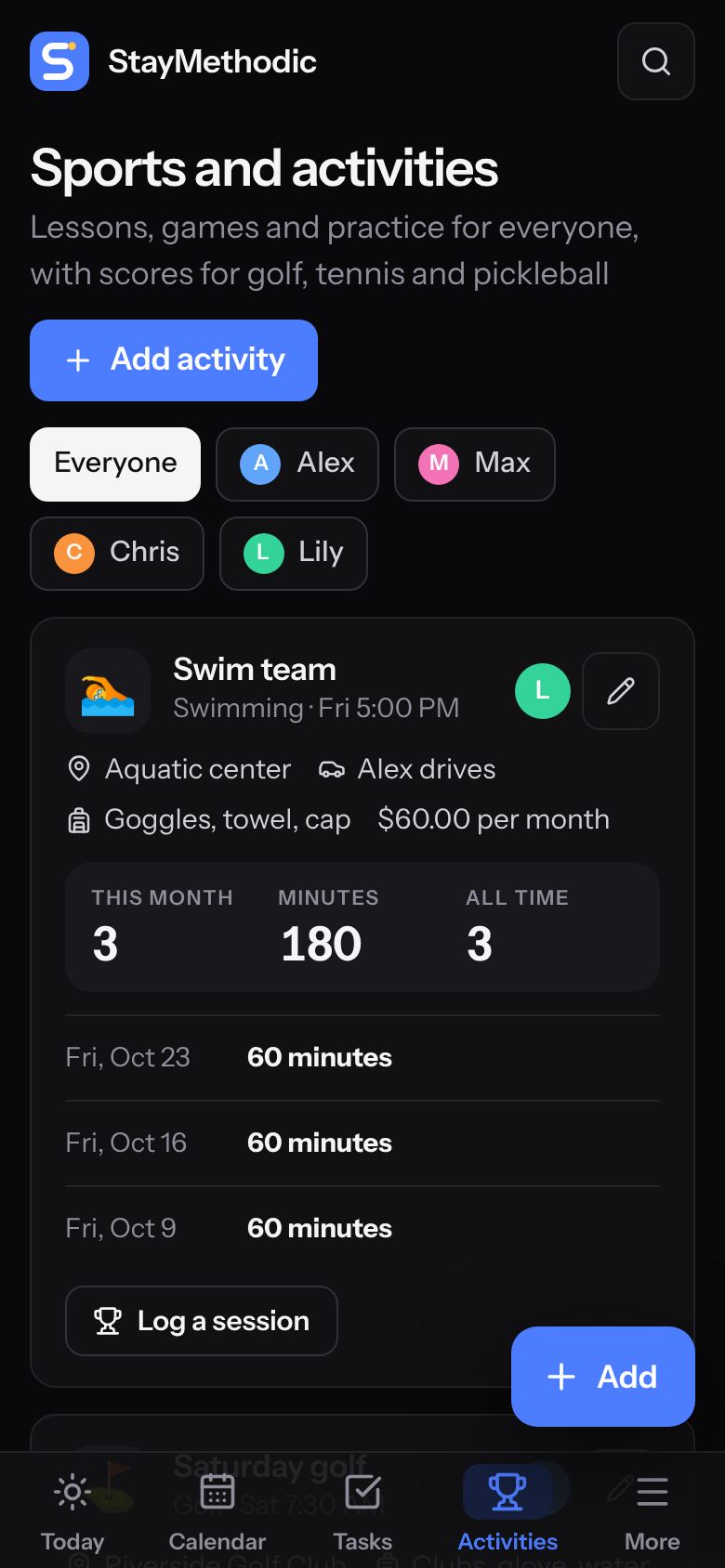
Keep the whole family's sport in one place, from Saturday soccer to your own golf round.
Invite your partner with their email. Everyone sees the same plan, and each person has their own colour.
The usual options, side by side.
| Feature | StayMethodic | Free family appsFree apps | Subscription family appsYearly plans | Wall calendar screensWall screens |
|---|---|---|---|---|
| What you pay | $35.99 once | Free, paid with ads | About $40 to $80 every year | $150 or more for the screen, often plus a yearly plan |
| No ads | Yes | No | Yes | Yes |
| See the whole year ahead | Yes | Often limited | Yes | Yes |
| Shared with your partner | Yes | Yes | Yes | Yes |
| School and club calendars | Yes | Some | Some | Yes |
| Chores with points and rewards | Yes | Rarely | Some | Some |
| Work shifts and two-home schedules | Yes | Rarely | Rarely | Rarely |
| Medicine log | Yes | Rarely | Rarely | Rarely |
| Sports stats (golf, tennis, pickleball) | Yes | No | No | No |
| Kitchen wall screen | Yes, on a tablet you own | No | Some | Yes |
| Works on phone, tablet and computer | Yes | Yes | Yes | Screen plus app |
YesSome or rarelyNo
Based on the typical features and prices of popular options in each group, from their public websites and app store pages in October 2026. Individual apps differ and prices change.
Pay securely by card, Apple Pay or Google Pay. Your key arrives by email.
Type your email and key. We send you a 6-digit code. No password to remember.
Tell us about your family and StayMethodic sets itself up to match.
Add it to your home screen and it opens like any other app. See the picture guide.
Pay once and it is yours, for the whole household.
Sales open very soon. In the meantime, try the sample planner.
Secure checkout by Stripe. We never see your card details.
No app store needed. It opens in your phone's browser, and you add it to your home screen in a few taps so it looks and works like an app. Here is how, with pictures.
No. You pay once.
No. There are no ads in StayMethodic, and we never sell or share your family's information. We make our money from your one payment.
Yes. We keep improving StayMethodic. Updates arrive by themselves, and the app tells you when a new version is ready.
Up to 4 devices for your household, for example two phones, a tablet and a computer. You can swap a device any time from inside the planner. View-only links for grandparents, sitters or a kitchen tablet do not count.
Yes. Invite them by email and they get their own sign-in, at no extra cost. It uses one of your 4 devices.
Yes, if the school or club publishes a calendar link (often called iCal, ICS or Subscribe). Paste it once and their dates appear in StayMethodic and refresh by themselves.
Yes. Choose your schedule, like week on, week off or 2-2-3, and every handover goes on the calendar. Invite the other parent, or send them a view-only link.
No. It keeps a record of what you enter and reminds you at the times you set. Always follow the label, your pharmacist or your doctor.
Yes. Everything you add is saved on your device and goes online by itself when you are connected again.
Only your household, and anyone you send a view-only link to, can see your planner. View-only links never show money, home admin or private items, and you can remove a link at any time. Read our privacy policy.
Yes. Open the sample planner and try everything. It resets every 24 hours.
Email us at info@staymethodic.com and a real person will reply. There is also a picture guide.